
How to prepare your manuscript for formatting
A checklist to send your formatter a clean file: final text, consistent styles, front and back matter, and images.
· 2 min read
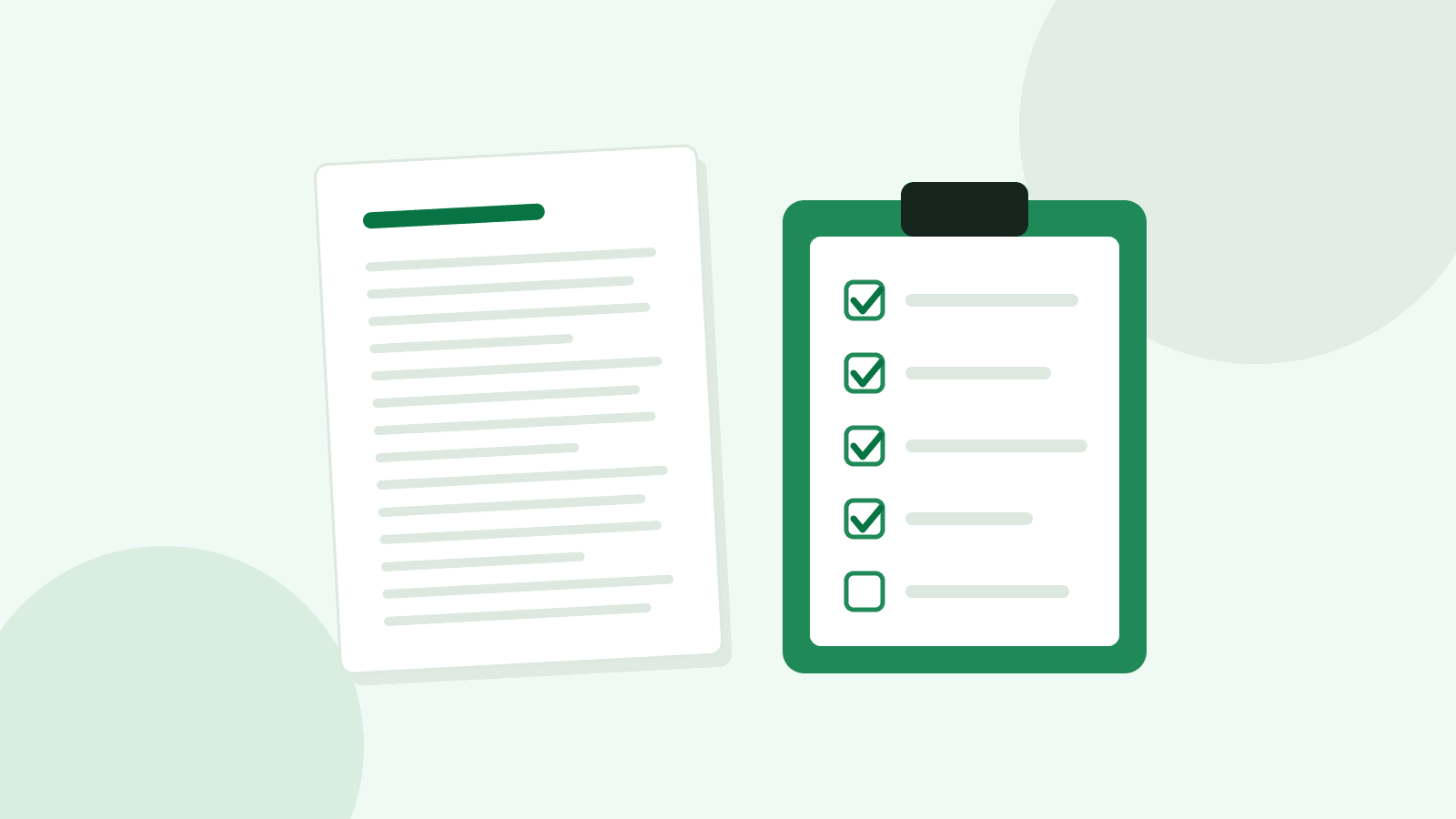
Short answer: send your formatter final, edited and proofread text in one Word or Google Docs file, with chapter titles in a consistent heading style, no manual spacing tricks, and all front matter, back matter and images supplied together. Decide your trim size and printer before layout starts.
1. Finish the words first
Formatting is the last production step before proofreading the layout. Changes after layout take extra time and can shift page breaks, so complete editing and ideally a proofread of the manuscript before you book formatting.
2. Use styles, not manual formatting
- Apply one heading style (for example Heading 1) to every chapter title
- Don't use spaces or tabs to indent paragraphs or centre text; use paragraph settings
- Don't press Enter repeatedly to start a new page; use a page break
- Use one consistent symbol (such as ***) for scene breaks
- Remove extra blank lines between paragraphs
3. Gather front and back matter
| Front matter | Back matter |
|---|---|
| Title page | Acknowledgements |
| Copyright page (with ISBN if you have one) | About the author |
| Dedication or epigraph (optional) | Also by the author / series list |
| Contents (usually generated) | Newsletter or website invitation |
4. Prepare images properly
- Supply images as separate files, not only pasted into Word
- Use the highest-resolution originals you have; print needs far more detail than screens
- Confirm you have permission to use every image, and write captions and alt text
5. Make the print decisions
For a paperback or hardcover, choose the trim size (for example 5.5×8.5 or 6×9 inches) and printer before layout, because margins, the gutter and the cover's spine width all depend on them. On Amazon KDP, for instance, the inside margin depends on page count, and images that reach the edge need 0.125 in (3.2 mm) of bleed.
6. Send a short brief
- Genre and two or three books whose interiors you like
- Formats needed (ebook, paperback, hardcover) and stores or printers
- Any special elements: maps, tables, footnotes, letters or text messages
- Your deadline and any launch date
Ready to go? See ebook formatting or print formatting, or try our free page-count estimator.
Sources
Platform requirements checked October 2026. Platforms change their rules, so confirm on the linked page before you upload.
Related services
Need help with your book?
Tell us about your project and we'll recommend the right next step.
Request a quoteYour next publishing step, made clearer
Join the Inkswell Wright newsletter for practical publishing tips, useful resources and occasional service offers, about twice a month.
Related articles
 Publishing
How much does professional book formatting cost?
What affects the price of ebook and print formatting, published price ranges, and how to compare quotes fairly.
 Publishing
Ebook vs paperback vs hardcover: what files do you need?
The interior and cover files each format needs, with Amazon KDP and IngramSpark requirements and links to the official pages.